

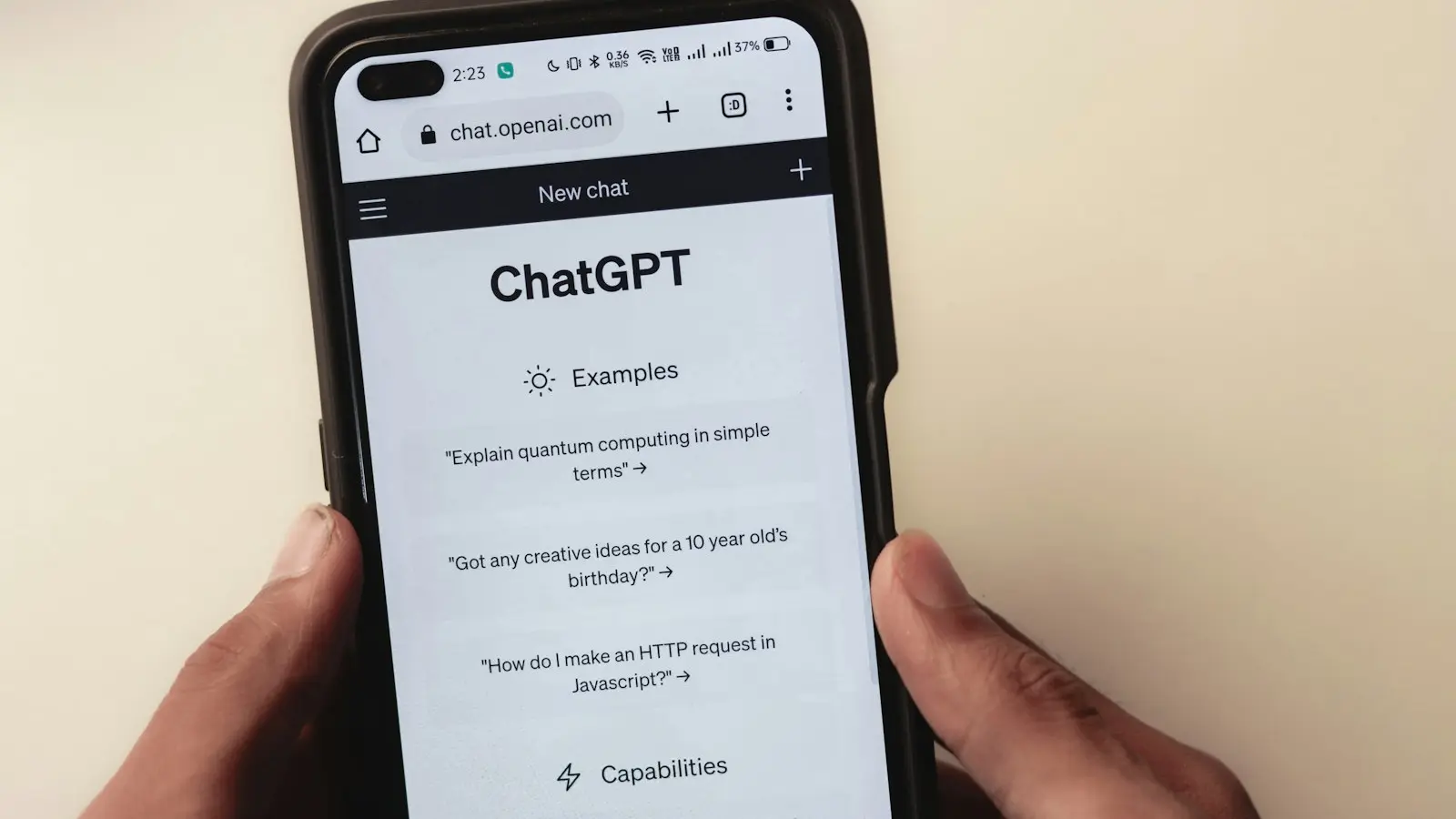
Are buyers really using AI to find agents?
Some are, and the number is growing. A 2026 Bank of America homebuyer report found that 20% of prospective buyers and homeowners had used AI tools or chatbots for homebuying research in the past year. Among Gen Z, it was 32%. (via The Close)
Most agents aren't showing up yet. An August 2026 study of 37,500 AI searches across the 100 largest US cities found that 91.5% of eligible RealTrends-ranked agents and teams in its sample got no AI citations. (via The Close) That's a sample, not every agent in the country. But if top producers are missing, smaller teams likely are too.
That's a problem and an opening. The bar is low right now.
Step 1: Check if AI tools mention you
Spend 15 minutes on this before changing anything.
- Open ChatGPT, Gemini and Google (try AI Mode).
- Ask the questions a client would ask, not just your name. For example:
- "Who's a good real estate agent for first-time buyers in [your city]?"
- "Best listing agent in [your neighborhood]"
- "Real estate agent in [city] who knows [specialty, like condos or relocation]"
- Write down: Do you appear? Which competitors are named? Is your brokerage, area and contact info correct?
- Save your prompts in a note. You'll repeat this every few months.
Step 2: Make your details match everywhere
AI tools build their answers from many sources at once. If your website says one brokerage and your Zillow profile says another, the tool has to guess. Often it skips you.
Check these against your website:
- Your name, exactly the same everywhere
- Current brokerage
- Service areas (cities and neighborhoods)
- Specialties (buyers, sellers, luxury, relocation, investors)
- Phone and email
- Headshot and bio
Start with Google Business Profile, Zillow, Realtor.com and LinkedIn. Fix any old info, especially after a brokerage move. (If Zillow is a big part of your business, see Zillow vs. your own website.)
Step 3: Make your website easy to read for machines
This is where most agent websites fail. A beautiful site can still be hard for Google and AI tools to read.
What helps:
- A bio page in plain text. Who you are, where you work, who you help, years in the area. Not just a video or an image with text on it.
- One page per area you serve. "Homes for sale in Midtown" tells search tools exactly where you work. Here's how to write a neighborhood page that ranks.
- Questions answered on the page. "How long do homes take to sell in [area]?" written as a heading with a direct answer below.
- Fast pages that load without heavy scripts. If your important content only appears after a lot of JavaScript runs, it may not get read.
What to check with your provider: Google says AI features generally need normal indexing and snippet eligibility, with no special AI markup. If your site is JavaScript-heavy or uses an IDX plugin, ask your provider to confirm your bio, area pages and guides render and get indexed. (via The Close)
We build all of this into our local SEO setup.
Step 4: Watch the new Google reports
Google added AI reporting to Search Console in 2026:
- August 31, 2026: Reports showing impressions from AI Overviews, AI Mode and AI features in Discover, including which of your pages appeared.
- September 24, 2026: Reports for image-based searches like Google Lens and Circle to Search.
These reports don't show AI clicks or the exact questions people asked. But they do show which pages AI is picking up. If only your home page shows, your area pages and bio need work.
Old SEO vs. AI search: what changes?
| Classic Google search | AI search answers | |
|---|---|---|
| What people see | A list of links | A written answer, sometimes naming agents |
| What gets you there | Pages that match the search | Clear facts that match across many sources |
| What hurts you | Thin pages, slow site | Conflicting profiles, content hidden in scripts or images |
| What to measure | Rankings, clicks | Mentions in AI answers, AI impressions in Search Console |
Key takeaway: most of the work is the same. A clear, fast site with real local pages helps you in both.
Frequently asked questions
Do I need special "AI SEO" code on my website?
No. Google says its AI features generally rely on standard indexing, with no special AI markup required. Clear content and consistent profiles matter more than any tag.
How often should I check my AI visibility?
Every few months, and any time you change brokerage, contact details or specialties.
Does my IDX plugin hurt AI search visibility?
It can if your important content loads only through the plugin's scripts. Ask your provider to confirm your bio and area pages are indexed. More in do you need IDX on your real estate website?
Is this the same as GEO?
Yes. GEO (generative engine optimization) is the industry term for showing up in AI answers. For agents, it mostly means good local SEO plus consistent profiles.